 ecoScribe by Start Software
From the field to a finished ecology report
Report writing software for ecological consultants: build your report template once, capture survey data on a mobile app (offline when there's no signal), tidy it up at the office and get a finished, editable Word report back.
For ecological consultancies and independent ecologists.
Start with the survey type you need most and try the rest free for a limited period before you commit.
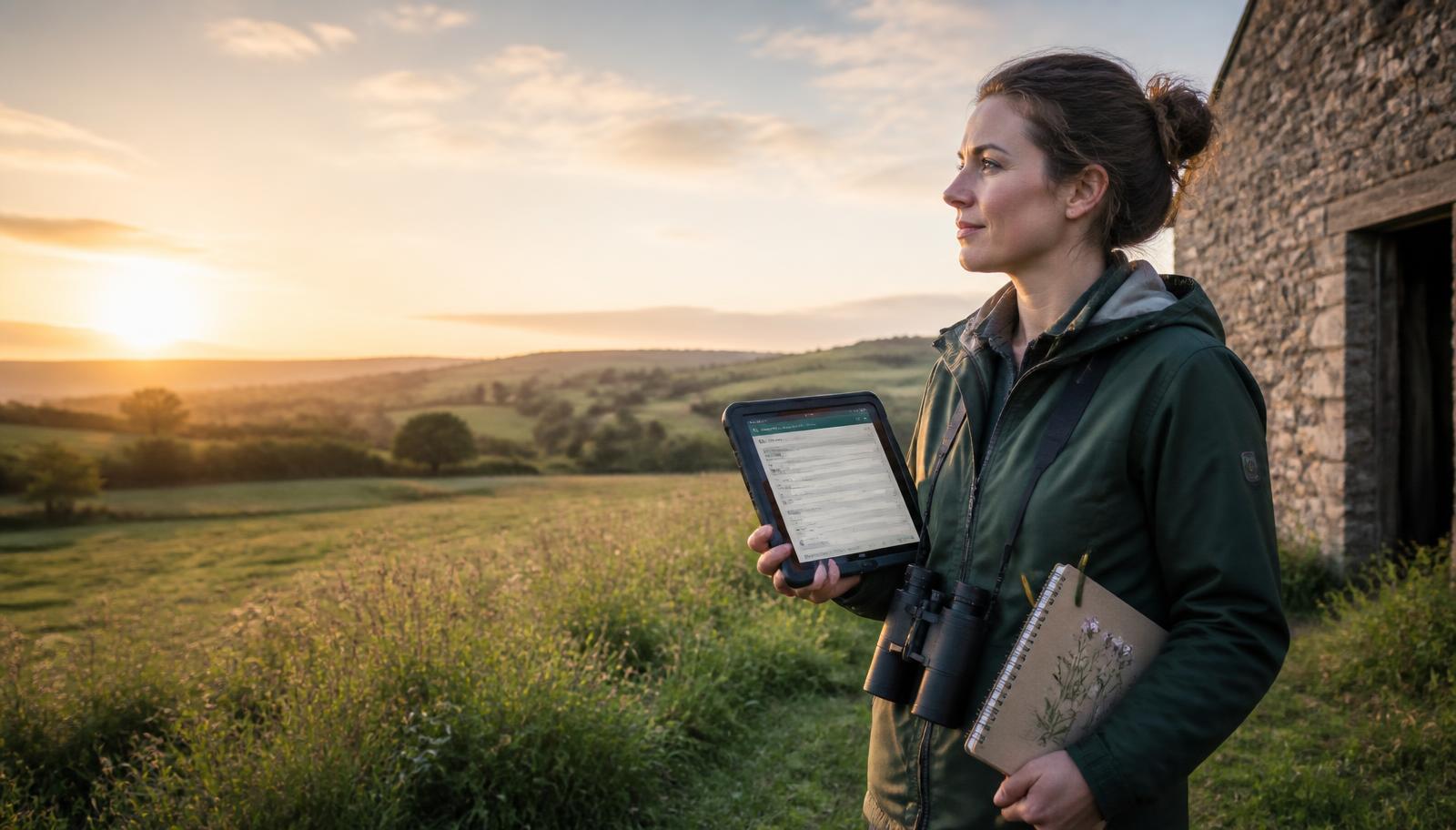
Templates for every survey type
Preliminary roost assessments, preliminary ecological appraisals, bat activity surveys, EcIA and biodiversity net gain — supplied ready to use and yours to edit, with optional additional document layouts for client-specific outputs from the same answers.
Offline field capture
Big, finger-friendly screens generated from your template, with photos, time pickers, signatures and no need for a signal. Your templates, clients, sites and live surveys are already on the phone, and you can keep any finished survey for a return visit. As soon as you pick up a signal, unsent work is copied safely to the cloud, so a lost phone never means a lost day.
Species lists that learn
Shared drop-downs for species, habitats, weather and directions, with Latin names filled in automatically as you pick a common name.
Evidence on your own maps
For templates with plan-enabled records, upload a map, match two known points, then plot your current location with a button. Click through to the evidence and download an annotated PNG — your existing reports stay unchanged.
Talk instead of typing
Dictate into any notes field, or describe the whole survey and let ecoScribe fill the fields on the page for you. Dictation needs a signal; typing and everything else carries on offline.
Data editor back at the office
Check and correct field data in sortable tables, with Excel export throughout.
Send reports by QR code
Each finished report gets a private link and a QR code, so a client can open it on their phone straight away — share it from the phone's own share sheet, email it or print the code on the report.
AI that helps you write
Ask for a caption and habitat suggestion from a site photo, draft the discussion and recommendations from your captured data in your own house style, and ask questions across your surveys — “show me all bat roost records at this site since 2024”.
Finished Word reports
Your fonts, colours, cover, headers and styles, merged with the survey data into a genuine Word document you can still edit.
Watch ecoScribe in two minutes
A short walk-through of the template, the field app and the finished report.
How it works
- 1
Set your template up once
Start from the supplied PRA, PEA, bat activity, EcIA or BNG template and change the wording, sections and report layout to match how your practice writes.
- 2
Survey on a phone or tablet
Work through big, thumb-sized screens, add photos and signatures, and record each roost feature as you find it — with or without a signal.
- 3
Tidy the data at the office
Everything syncs back as soon as you have coverage. Check the tables, fix anything the field missed, and add your desk study.
- 4
Press the button for the report
Out comes a Word document on your own cover, fonts and colours, with the summary, tables and photo plates already written from the survey data.
What's included
Plans are set up by Start Software — tell us which one fits and we'll switch it on.
ecoScribe
Ecological consultancies producing survey reports
- Ecology template pack, ready to edit
- Offline field capture with photos, dictation and AI voice fill
- Species and habitat lists with paired Latin names
- Data editor with sorting and Excel export
- Branded, editable Word reports
Common questions
Can we use our own report wording?
Yes. Every supplied template is a starting point — the sections, questions, drop-downs and report text are all yours to edit, and your changes are never overwritten when we update a template.
Does it really work with no signal?
Field capture, photos and signatures are stored on the device and sync when you are back in coverage. Dictation and the AI voice fill are the only parts that need a connection.
What comes out at the end?
A genuine Word document — your cover page, headers, footers, fonts, colours and styles — so you can still edit or add to it before it goes to the client.
Do we have to move all our work over at once?
No. Most practices start with a single survey type and add the others as they go.
See ecoScribe on your own reports
Send us one of your existing reports and we'll show you the same document coming out of ecoScribe, on your cover and in your house style.
Book a walk-through